
User testing with AI. A practical playbook for fast teams.
Learn how AI helps you run user testing faster, plus copy-paste prompts for the “last resort” moments when you can’t reach users yet.

Most teams don’t ship slower because they can’t build.
They ship slower because they keep re-building.
The same feature. The same flow. The same landing page.
Because nobody was fully sure what users would do.
User testing fixes that. AI makes it easier to do consistently.
Not by replacing users. By removing the friction around testing.
Let’s start with the foundation. Then we’ll get tactical.
What user testing means
User testing is any testing that involves real (or representative) users.
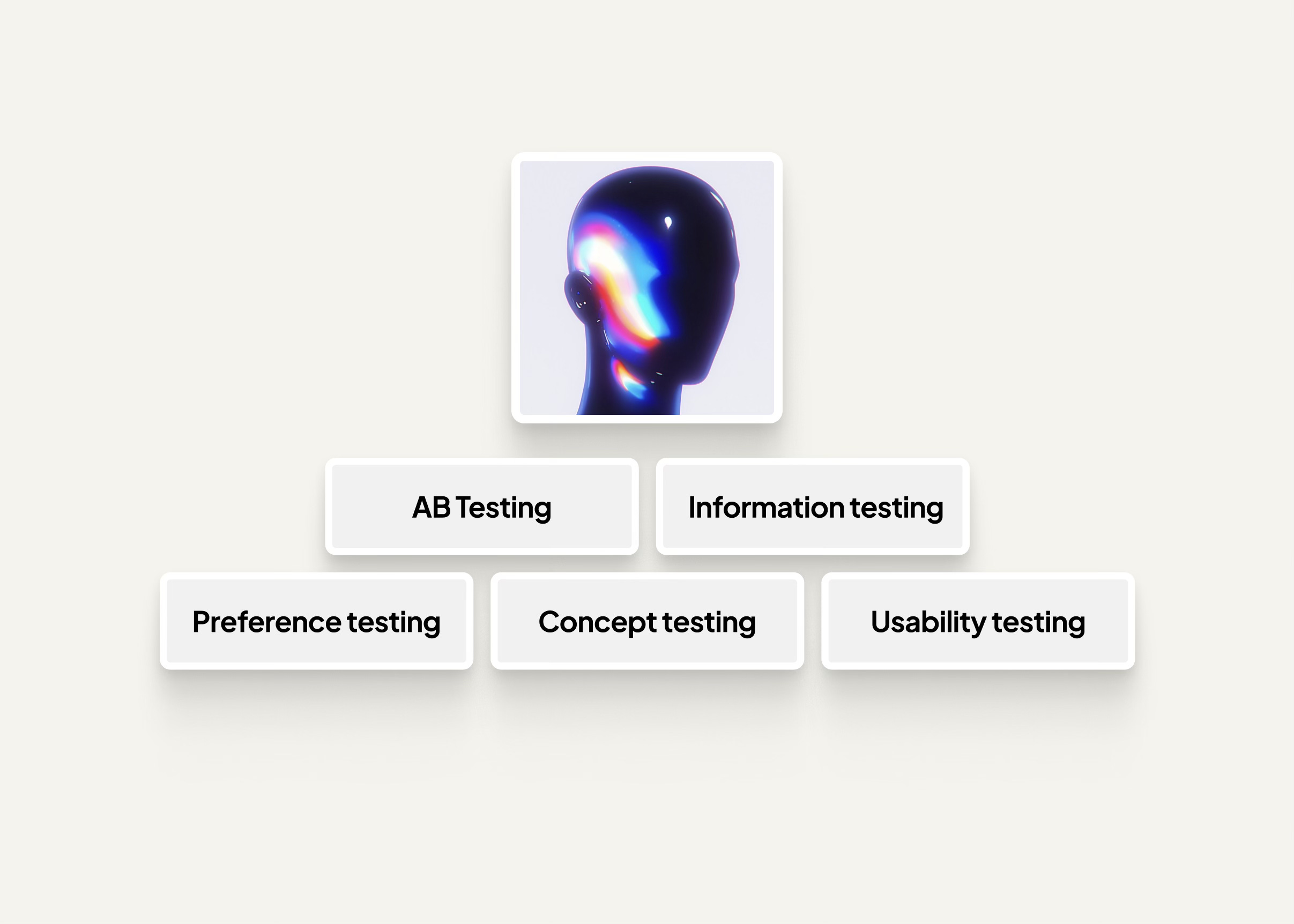
It’s a toolbox. Each tool answers a different question.
A/B testing. Which variant performs better
Concept testing. Do users even want it
Usability testing. Can users complete key tasks
Preference testing. Which design feels better
Information architecture testing. Can users find what they need
One important rule.
AI is a powerful assistant. It’s not your customer.
So for each test below, you’ll see:
how it’s done in real life
don’t expect AI to
use AI to
prompt. with explanation
a simple workflow
last resort prompt. with explanation
A/B testing with AI
Use when you ask: which variant performs better?
How it’s done in real life
You ship two (or more) versions to real traffic. Users are randomly split. You measure outcomes like sign-ups, purchases, or clicks.
Don’t expect AI to
Replace real user behavior or real conversion data
Tell you the winner without traffic
Guarantee statistical validity
Use AI to
Generate strong variants tied to one hypothesis
Tighten copy, reduce jargon, improve clarity
Suggest metrics, guardrails, and what to watch out for
Help interpret results and propose the next test
Prompt
This prompt is to help AI create the testing assets. variants, hypotheses, and what to measure. You still run the test with real traffic.
Help me design an A/B test for a landing page.
Industry: [industry].
Product: [product].
Audience: [who].
Competitors: [competitor 1], [competitor 2], [competitor 3].Primary metric: [sign-ups/clicks].
Hypothesis: [one sentence].
Give me: 5 variations (headline, subhead, CTA, hero angle), why each could win, and what to measure.
A simple workflow
Pick one hypothesis
Ask AI for variations tied to that hypothesis
Build one strong variant
Run the experiment with real traffic
Ask AI to summarize learnings and recommend the next test
Last resort prompt
Use this only when you can’t run the experiment yet. It helps you spot likely confusion and trust leaks. It’s not proof.
Imagine you are a user in the [industry] evaluating [product].

You are considering alternatives like [competitor 1], [competitor 2], and [competitor 3].

You land on two versions of the page (A and B). <- (Attach images)!

You have 8 seconds.

In short bullets:

What makes you trust page A vs page B

What confuses you on each page

What would make you click (or leave)

What key info you look for first (pricing, proof, features, integrations, security, reviews)

What would instantly feel like a red flag

what one sentence would convince you this is different from [competitor 1]
Concept testing with AI
Use when you ask: Do users want this at all?
How it’s done in real life
You show a clear concept to target users. A one-pager, mock landing page, clickable prototype, or short pitch. You interview people or run a small survey. You look for real interest signals. You’re looking for signals that cost the user something. time, effort, reputation, money, access.
Don’t expect AI to
Create genuine market demand
Reliably predict willingness to pay
Replace emotional truth in real reactions
Use AI to
Turn your idea into clear concept fast
Generate objections you should test
Write neutral questions that avoid leading people
Summarize feedback into themes and a decision
Prompt
This prompt helps AI turn your idea into testable concepts and questions. You still validate with real humans.
Turn my product idea into 3 concept cards.

Industry: [industry].

Audience: [who].

Competitors: [competitor list].

Idea: [one paragraph].

For each concept card, give me: a headline, a 2-sentence pitch, top 3 benefits, top 3 objections, and questions to validate interest.”
A simple workflow
Create 3 versions. safe, clear, bold
Rest with 5 to 10 relevant people
Ask. “what would you use this for”. “what worries you”. “what would stop you”
Use AI to cluster notes. pull, confusion, dealbreakers
Rewrite the concept and test again
Last resort prompt
Imagine you are [target persona] in the [industry].

You currently use [competitor 1].

You’ve tried [competitor 2].

Here’s a new product pitch: [paste pitch].

What sounds truly valuable.

What sounds like hype.

What would you need to believe to try it.

What would make you switch.
Usability testing with AI
Use when you ask: Can users complete a task without getting stuck?
How it’s done in real life
You give users realistic tasks and watch them use the product. You don’t teach. You observe. You encourage “think aloud”. You record. You capture where expectations break.
Don’t expect AI to
Replicate real human behavior, attention, or mistakes
Feel frustration or hesitation like humans do
Observe interactions unless you provide context or recordings
Use AI to
Create neutral task prompts and scripts
Generate follow-up questions for key moments
Turn notes into themes and severity
Suggest copy and UI fixes
Prompt
This prompt helps AI write the script and keep your testing consistent across sessions. You still need real users.
Create a usability test script.

Industry/context: [industry].

Product: [product]. Users: [who].

Competitors users might compare us to: [competitors].

Key tasks: [task 1], [task 2], [task 3].

Give me: neutral task prompts, success criteria, follow-up questions, and a note-taking template.”
A simple workflow
Pick 3 critical tasks
Run 5 sessions with real users
After each session, paste notes into AI to extract issues and severity
Prioritize top 3 fixes
Ship and re-test
Last resort prompt
Useful when you can’t run sessions yet. It helps you predict where users might hesitate. It’s not a substitute for observation.
Imagine you are a first-time user switching from [competitor 1] to [product].

Your goal: [task].

Walk through what you expect step-by-step.

Where would you hesitate.

What labels would you look for.

What confirmation would you need before trusting it worked.
Preference testing with AI
Use when you ask: Which design feels better?
How it’s done in real life
You show people two or more designs. Ask for a fast choice, then ask why. You probe for what the design signals. Trust, quality, simplicity. You collect reasons, not votes.
Don’t expect AI to
Represent true taste across your audience
Account for brand context unless you provide it
Validate preference at scale without respondents
Use AI to
Craft unbiased questions so you don’t steer people
Suggest what to probe for in your industry
Synthesize reasons into principles your team can reuse
Prompt
This prompt helps AI create a clean preference test so you get useful reasons, not shallow opinions.
Prompt
“I have two design options for [screen].

Industry: [industry].

Audience: [who].

Competitors users recognize: [competitors].Create a preference test with: unbiased questions, what to probe (trust, premium feel, ease), and a simple scoring rubric.”
A simple workflow
Show A and B in the same context
ask for a fast first choice. then ask why
probe with “trust, premium, ease, modern”
use AI to summarize reasons into recurring signals
adjust design and re-test
Last resort prompt
Great for spotting trust signals when you have no users available. It helps you see the page like a buyer, fast.
Imagine you are buying a TV online.

You’re deciding between two stores.

Option A looks like: [describe].

Option B looks like: [describe].

Which would you trust with your money. Why. What feels premium. What feels risky.
Information architecture testing with AI
Use when you ask: Can users find what they need?
How it’s done in real life
You give users “find it” tasks and watch where they click first. You can test a real product, prototype, or just a navigation tree. You track first click, time to find, and wrong turns.
Don’t expect AI to
Predict real mental models reliably
Reveal where your labels confuse people without users
Replace the insight of watching people get lost
Use AI to
Flag confusing labels and overlaps
Propose clearer naming based on intent
Generate tasks for tree tests
Summarize wrong-turn patterns and recommendations
Prompt
This prompt helps AI generate tasks and label fixes. Then you validate with real users.
Here is my product navigation: [paste menu].

Industry: [industry].

Audience: [who].

Competitors: [competitors].

Generate: 10 ‘where would you click’ tasks, predicted confusion points, and label improvements based on user intent.
A simple workflow
paste navigation into AI and draft improved labels
test with 5 users using 8 to 12 tasks
track first click and final click
simplify labels and regroup items
re-test
Last resort prompt
Good for catching obvious label issues quickly. Still, real users will surprise you.
Imagine you just made a purchase and need to find: invoices, billing, returns, and password settings.

Given this menu: [paste menu].Where would you click first for each.

What labels confuse you. What would you rename.
The rule that keeps you honest
AI accelerates testing.
It also accelerates confident nonsense.
So use AI to speed up the work around testing. Use real users to create truth.
AI can write the script. Users write the story.